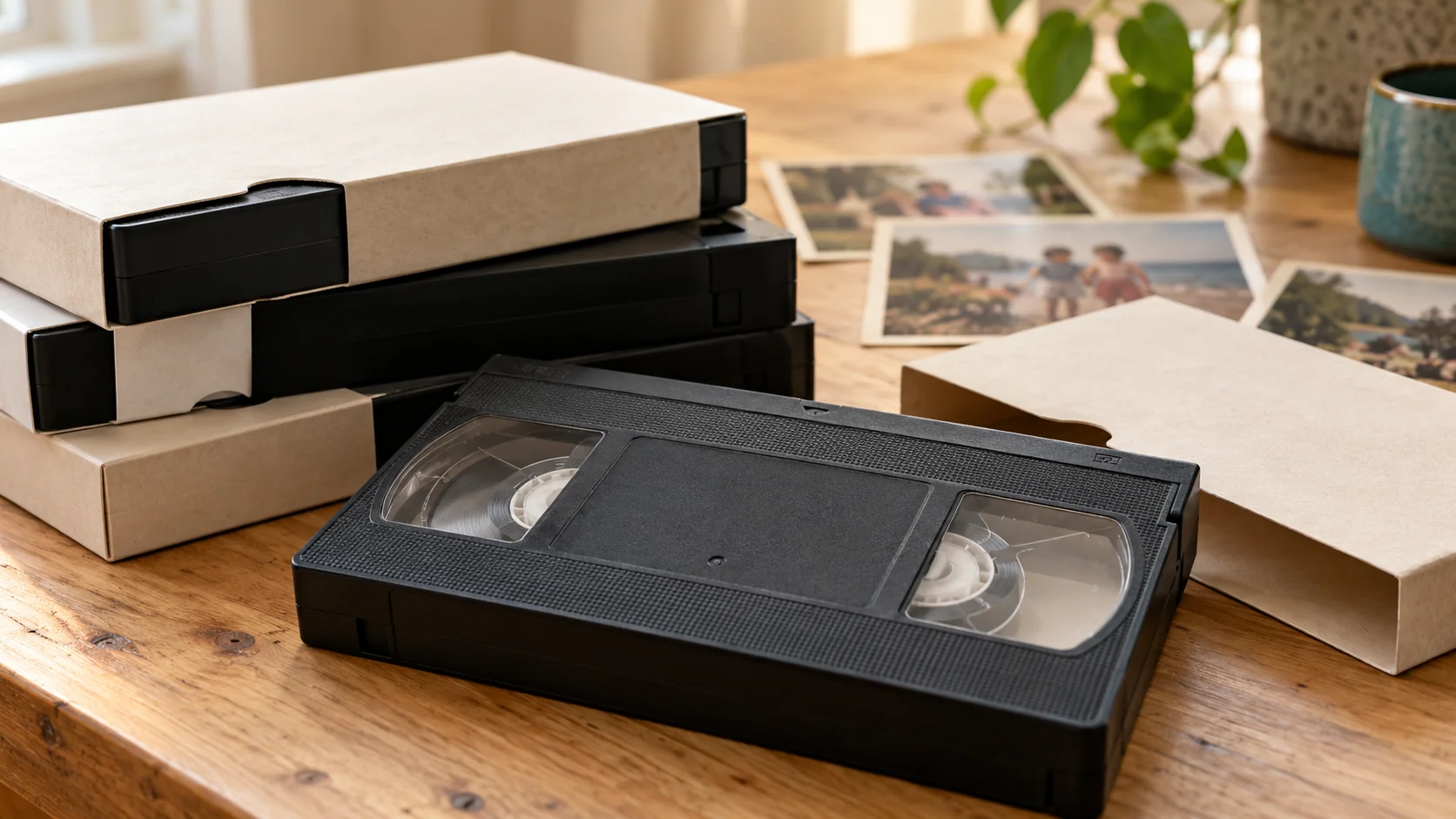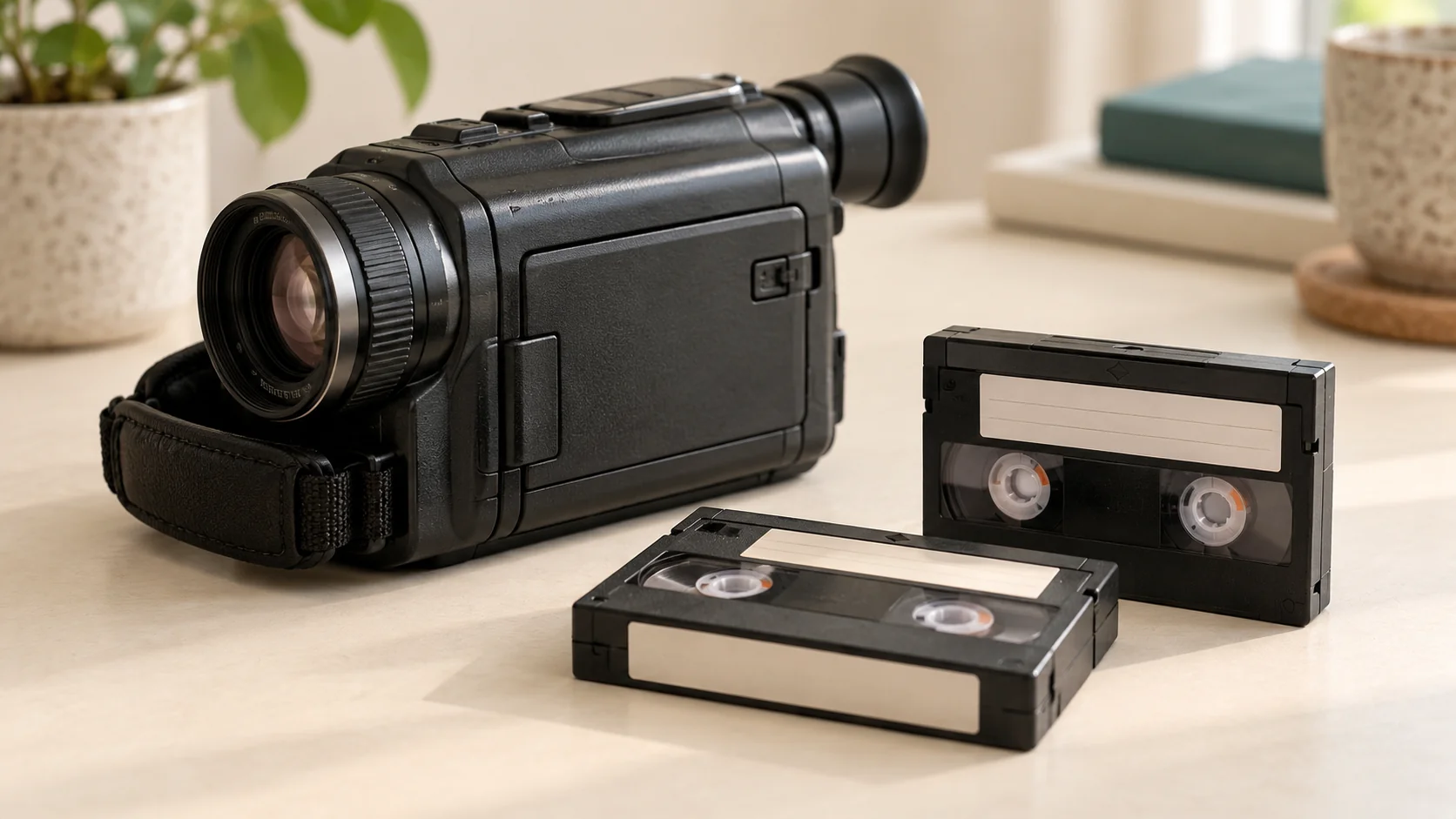
Read the format marking on the cassette first: VHS-C is compact VHS, MiniDV is a separate digital format and Hi8 is an analogue camcorder format. If the recording is uncertain, include the camcorder model and ask for a check. Finding a drawer of old tapes is one thing. Knowing which machine can play them is another. If you no longer have the camcorder, begin with the words printed on the cassette and its case. There is no need to buy a player just to identify a tape.
Read the format marking first
Look for VHS, VHS-C, MiniDV, Video8, Hi8 or Digital8. Write the marking exactly as it appears, along with any other recording information. If a case and cassette have different labels, include both and explain that they do not match.
Brand names alone are not enough. A Sony-branded cassette does not necessarily identify one particular recording format. Similarly, a handwritten date or event name tells you something about the contents, but not which playback equipment is needed.
Do not open the cassette to inspect the tape. Keep its label and case together. If you have several batches, count each identified type separately and leave uncertain items in their own group.
Mini VHS usually means VHS-C
VHS-C is a compact VHS camcorder format. People often call it mini VHS because the cassette is smaller than a full-size VHS tape. In the order builder, put these tapes under VHS-C / mini VHS.
MiniDV is a different camcorder format, so the names should not be used interchangeably. If the label says MiniDV, use the MiniDV option. If you cannot find a clear marking, choose the unsure option and describe what you can see.
For Hi8 tapes, include the camcorder model
A model number can help confirm which recordings a tape might contain and which playback equipment is appropriate. Look on the original camcorder, its manual or an old purchase record if you still have one.
Sony's own support information distinguishes analogue Video8 and Hi8 recordings from DV and Digital8 transfer methods. Compatibility depends on the recording and equipment. We therefore check the details before promising that a particular cassette can be handled.
Include any Video8, Hi8, Digital8, MiniDV or HDV markings in your request. If more information is needed, we can ask you for a photograph of the label directly.
Check the condition without trying to play it
Tell us about a broken shell, loose parts, a visibly damaged tape or anything that looks like mould. If you suspect mould, keep the affected tape apart from the rest and ask for advice before playback.
The Canadian Conservation Institute warns that playing mouldy tape can contaminate equipment. Do not attempt cleaning, heating or repair as a way to test whether the recording still works. Specialist assessment may be needed.
What to send in your request
- The format words printed on each type of cassette.
- An approximate count for each group.
- The camcorder model, if known.
- Any visible damage or suspected mould.
- Any deadline you would like us to consider.
For a local handover in Tadcaster, start with an online request. Format and availability are checked before an appointment is arranged. You can also read about our MiniDV service and Hi8 conversion.
Further reading
Sony: transferring DV or Digital8 video
Canadian Conservation Institute: video and audio recording care